
For over a decade we’ve photographed weddings on film, and these days more and more of them go entirely on Kodak. Our couples see the finished frames. What they don’t see is everything in between: the rolls, the lab, the home film scanning, and the hours spent picking dust off every single negative. That last part is why we’ve gone and built a piece of software. It’s called Chamois, it’s AI dust removal for home film scanning, and it’s coming out soon.
Here’s the whole road from a loaded camera to a finished frame, and where Chamois fits in.
On the day: shooting a wedding on film
A roll of 35mm gives you 36 frames. A roll of medium format gives you somewhere between 10 and 16, depending on the camera. Then the back comes open, the roll gets wound, sealed and swapped, and you go again. On a wedding day that means knowing exactly where you are on every roll before the vows start, because nobody wants to be fumbling a reload through the ring exchange.
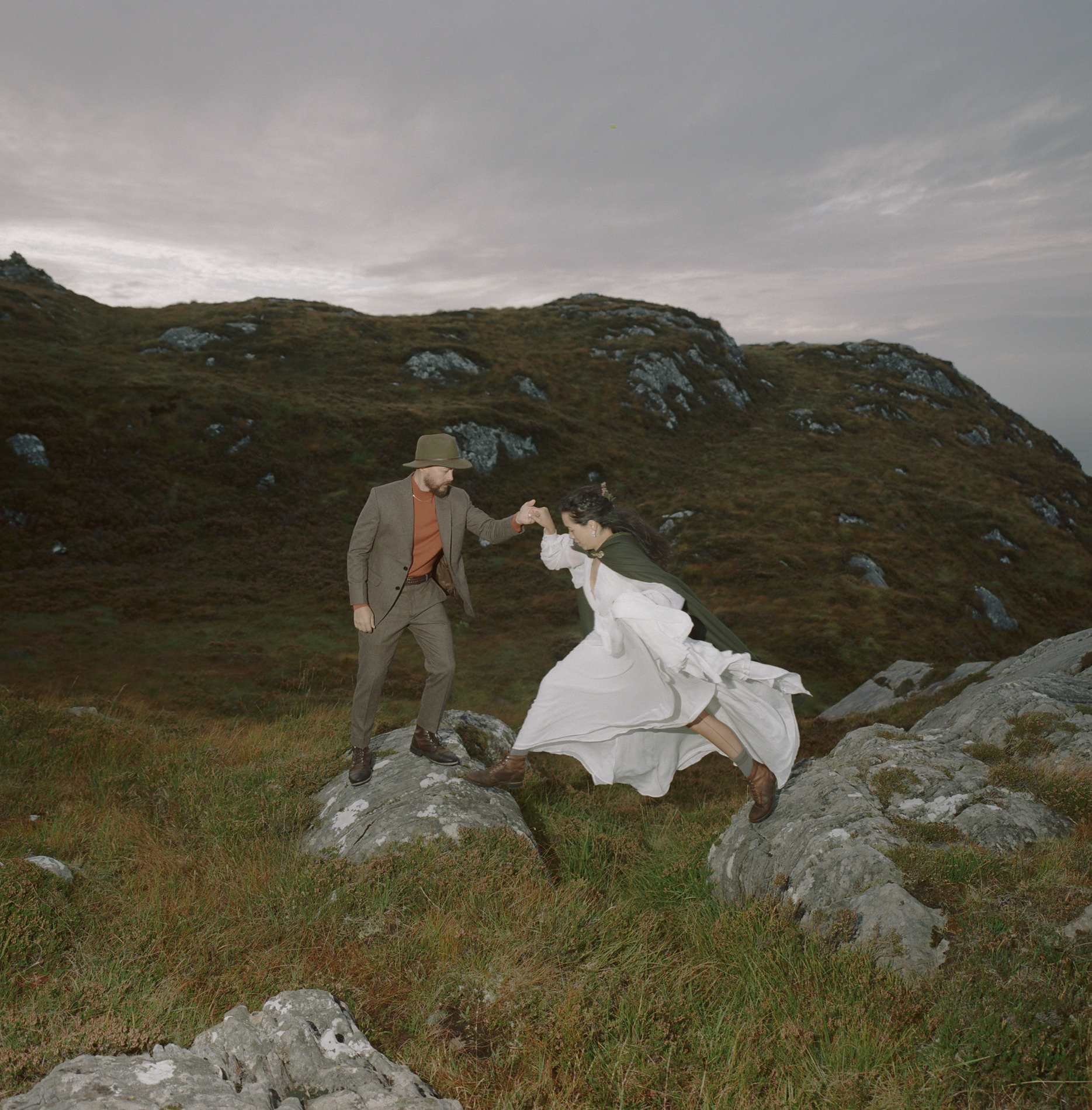

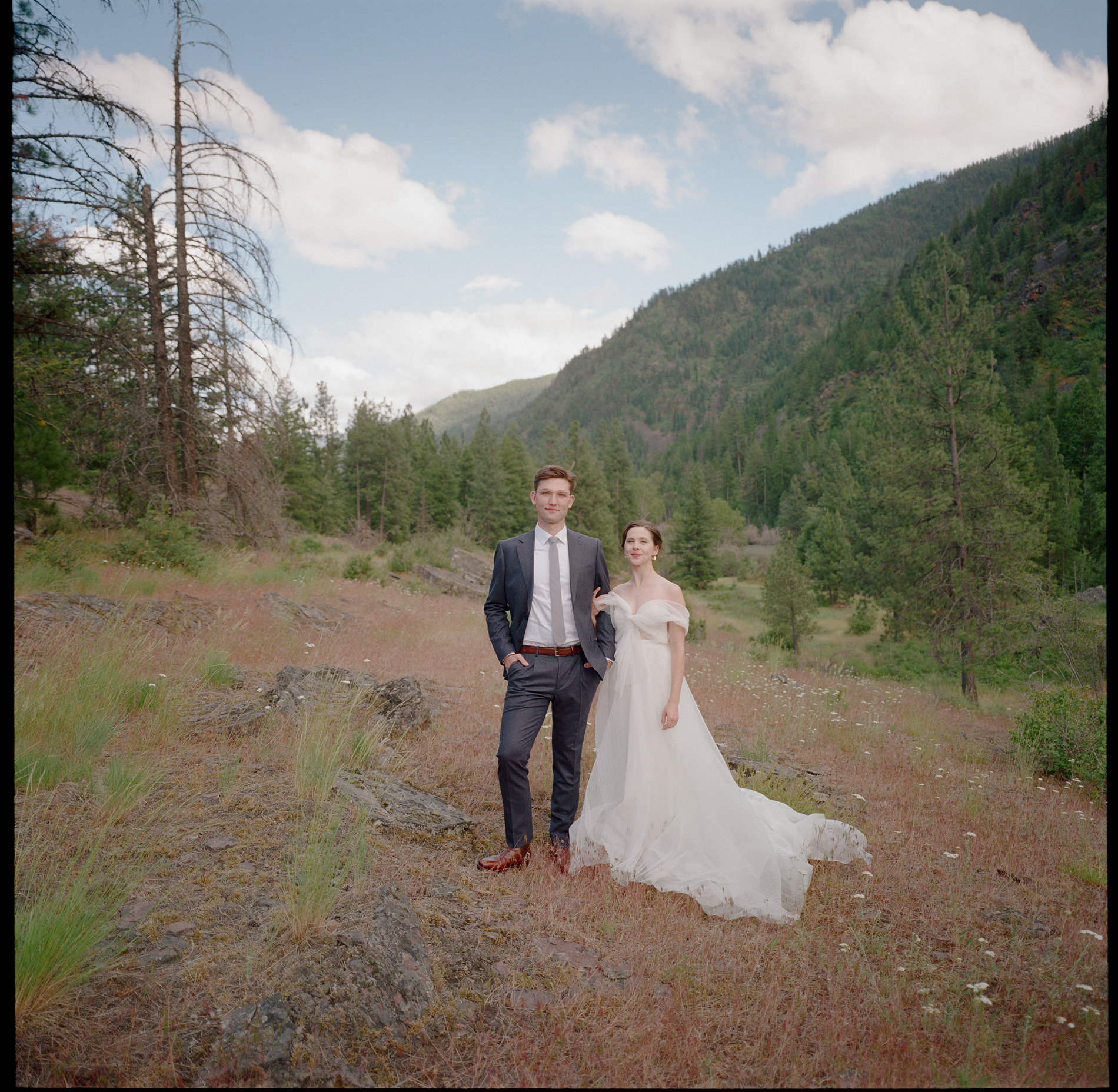
Every press of the button costs somewhere between $2 and $4 once the film, developing and scanning are counted, so you shoot with intent. You wait for the laugh rather than firing through it. It changes what we photograph and how, and it’s a big part of why film pictures feel the way they do. We still come home with a minimum of 300 to 400 finished film photos from a wedding, often more.
We carry a mix of old cameras and some of the very last film cameras ever made, all serviced by the best analogue technicians we know, with backups on backups. The film is Kodak and Cinestill: Portra, Ektar, Cinestill 800, and Tri-X or T-Max for black and white. Colour negative film loves being given plenty of light, and none of it can be checked on a screen afterwards, so the metering has to be right the first time.
After the day: developing
Every roll is accounted for and sent off to the lab. Here in Melbourne we’ve long used Hillvale Photo. Colour film goes through C-41 chemistry and black and white through its own developer, and until the negatives come back there’s nothing to look at. No back-of-camera screen, no peeking. Our Super 8 wedding films take an even longer road, off to a lab-wizard deep in northern Victoria.
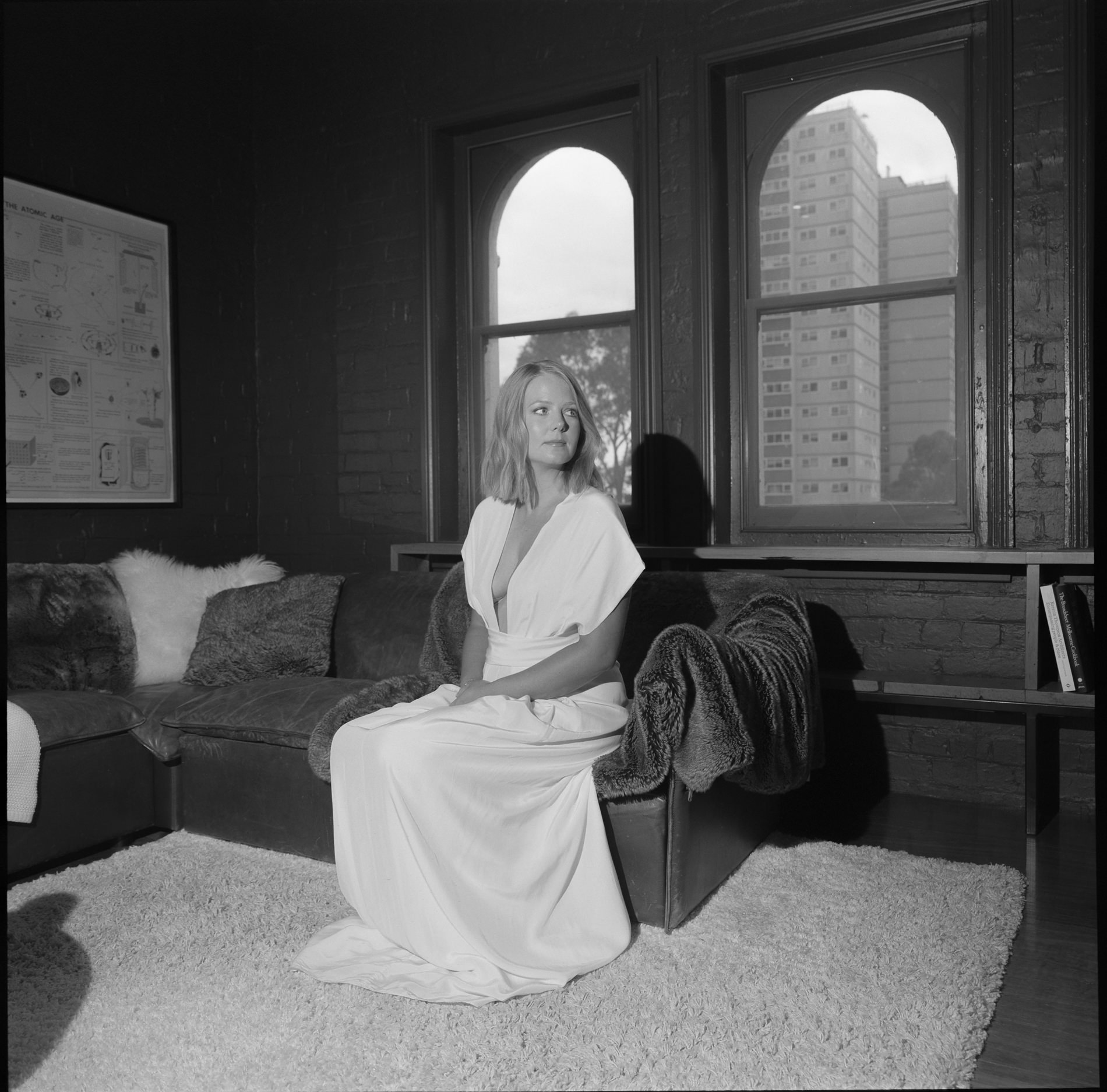

Home film scanning, one frame at a time
We scan our own film by hand. The rig is a Canon R5 pointed down at the negative, with a light source under the film carrier, and every frame is photographed as a raw file. What comes out is a picture of an orange-tinted negative. Negative Lab Pro in Lightroom turns that into a positive, and from there each frame gets its colour and tone worked by hand, the same care as any other edit we deliver.
Camera scanning at home is wonderful for quality and control. It’s also fiddly. Strips go in backwards, rolls land in Lightroom upside down, and every frame has to be lined up, focused and exposed. (For the upside-down rolls we made a free Lightroom plugin, Fixer Upper, that turns a whole roll the right way up in one go.)
Why home film scans need dust removal
A camera scan sees everything. Dust on the film, dust on the carrier, a hair that drifted onto the negative somewhere between the sleeve and the light. Once the negative is flipped into a positive, every one of those marks shows up as a bright white fleck, and on a dusty frame there can be hundreds of them.
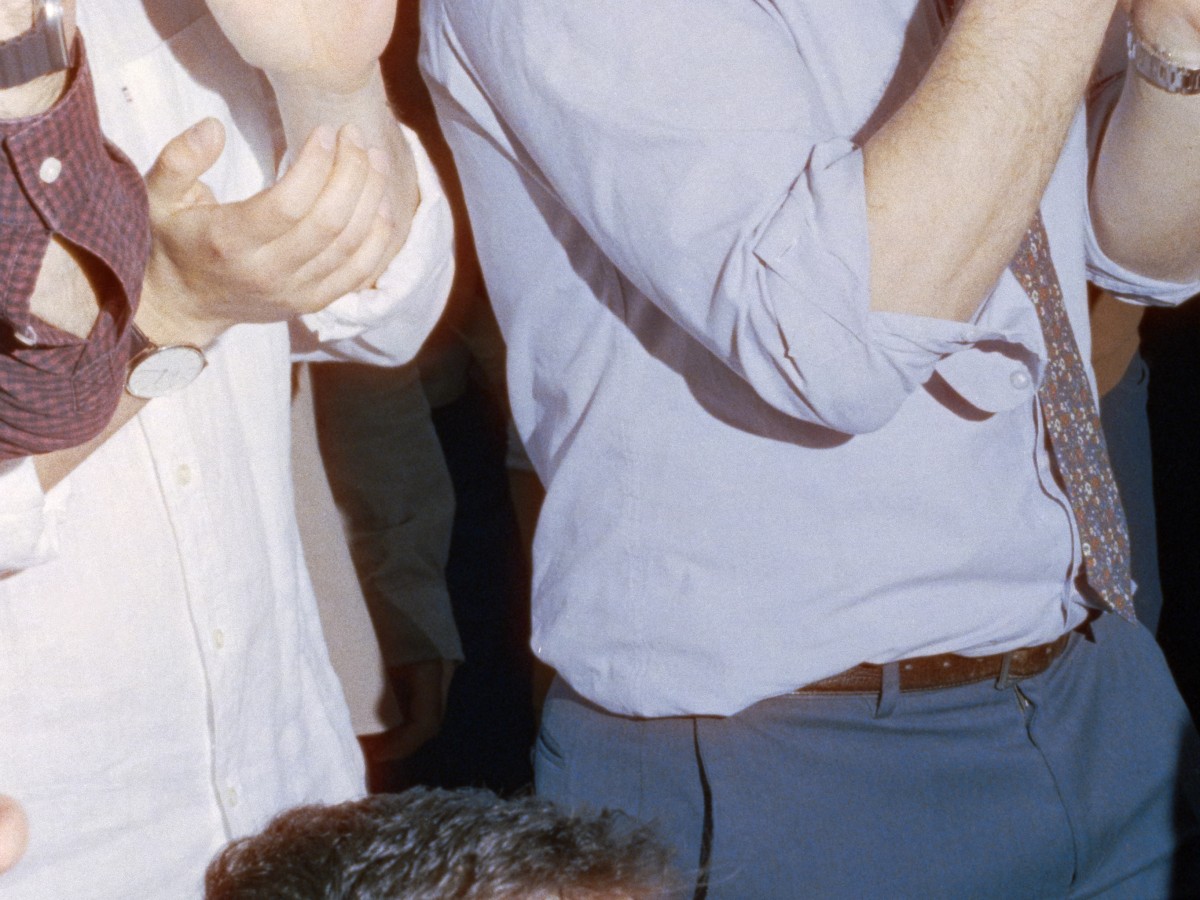
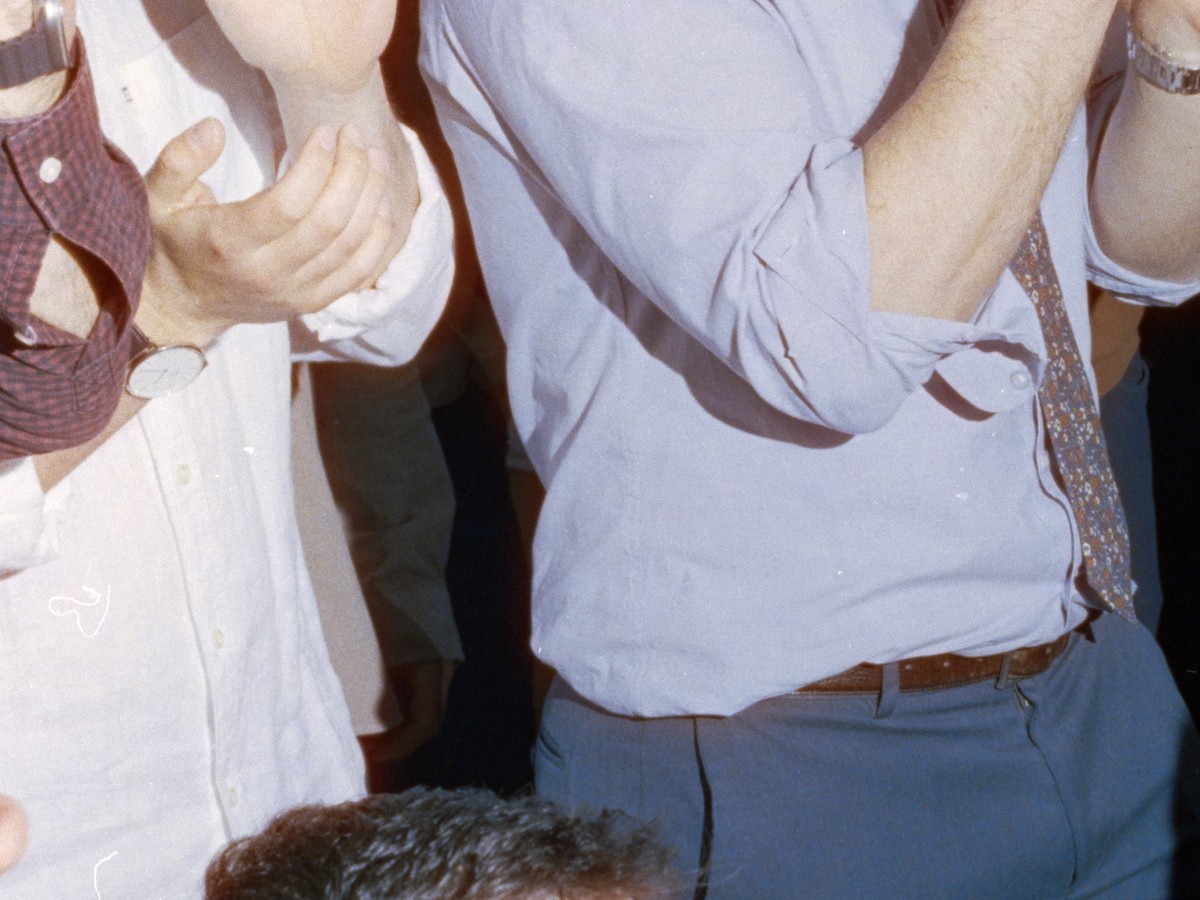
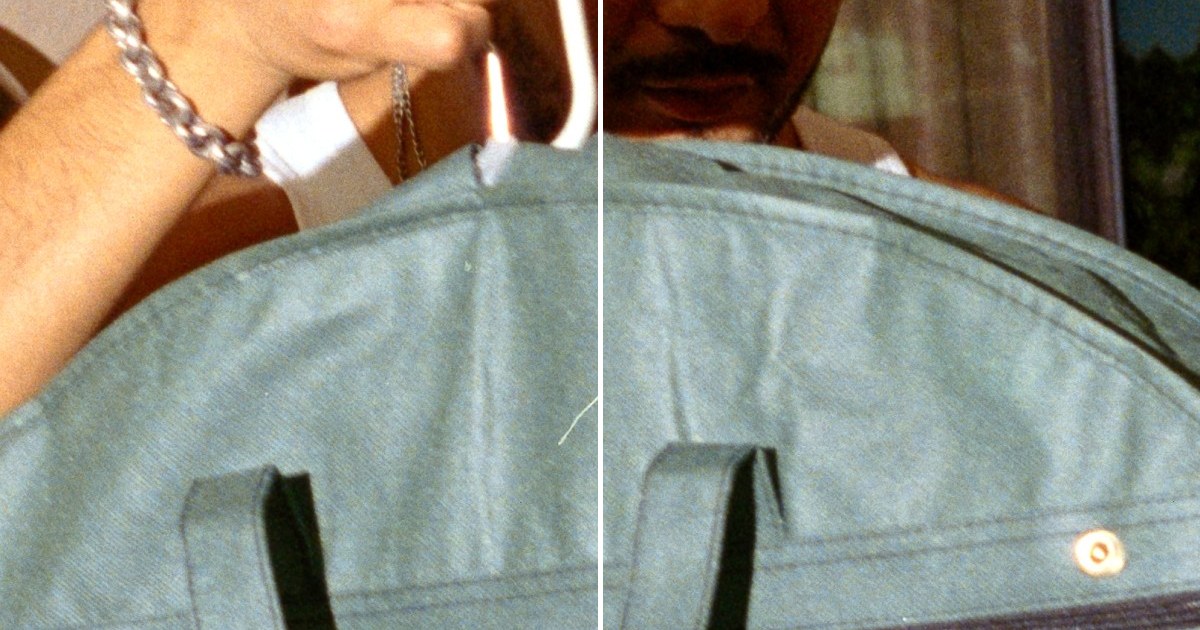
About 90 marks in this one corner of the frame, a looped hair among them. The watch, the buttons and the tie were left alone.
Lab scanners have had an answer for years: an infrared pass, often called Digital ICE, that sees the dust and not the picture. A camera has no infrared channel, so home film scans get no such help. And ICE never worked on traditional black and white film anyway, because the silver blocks infrared just like the dust does.
Which leaves the healing brush. Zoom to 100%, click a speck, move along, click the next one, and do that across hundreds of frames for every wedding. It’s the slowest, least creative part of the whole job, and for years it’s been ours.
Why we built our own AI dust removal
We tried what was out there. Lightroom’s own dust removal is built for dust on a camera’s sensor, and Adobe says scanned negatives aren’t in its scope. Blur filters take the grain away along with the dust, and a grainy frame with smooth patches in it looks worse than one with a speck. And any automatic tool that can’t tell a speck from the catchlight in someone’s eye costs more time than it saves, because now you’re checking every portrait for missing sparkle.
So we built our own, and taught it on our own work: scans from our weddings, cleaned by hand frame by frame, showing it every mark we’d fix and every bright little detail we’d leave alone. Drag across the frame below to see it at work.
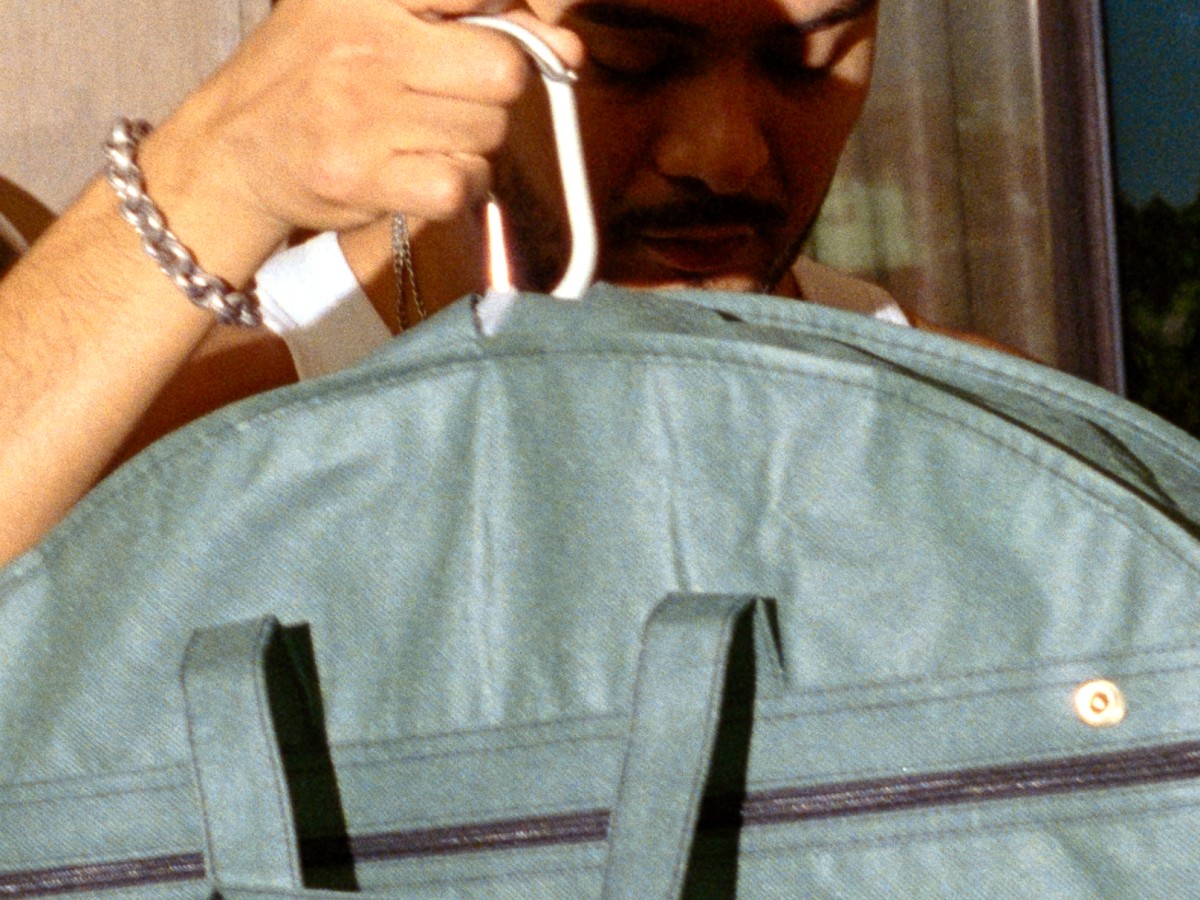
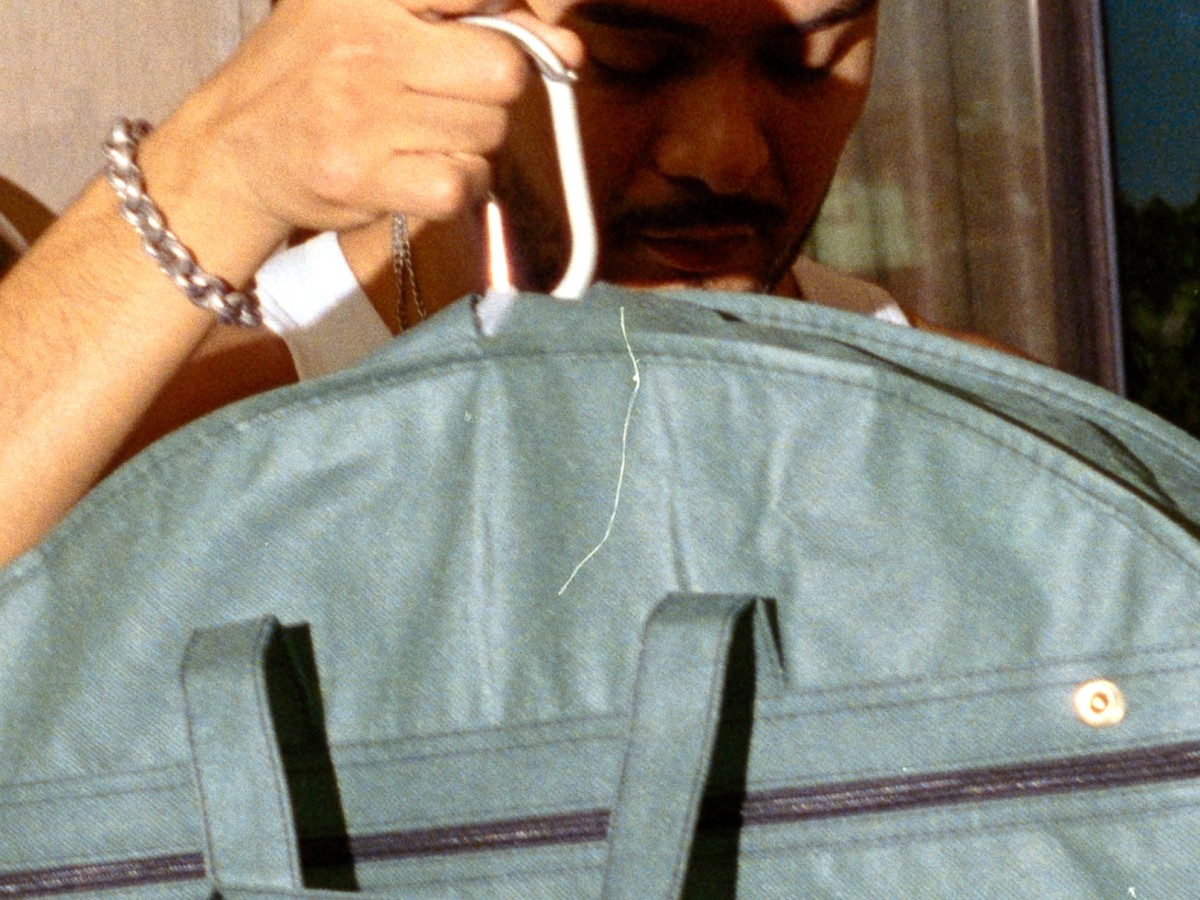
Colour negative, straight off the home scan. A long hair and the specks across the bag gone. The bracelet, the chain and his face were left alone.
What Chamois does: AI dust removal for home film scanning
- Finds the dust, hairs, specks and scratches on finished film scans, colour or black and white, from a camera or a flatbed.
- Fills with the film’s own grain. Most marks are filled with real grain copied from a matching part of the same frame. Larger ones are rebuilt from their surroundings and finished with that same grain. No blur, no smoothing.
- Knows a catchlight from a crumb. Eyes, lip shine, jewellery, lace and candles are left alone. Anything it isn’t sure of gets a dotted orange circle, and you decide.
- Three sliders for dust, hairs and fibres, and the tiniest specks, set per frame or synced across the roll.
- Never touches your originals. Cleaned copies go to their own folder, and on JPEGs every untouched part of the frame is saved exactly as it was.
- Runs on your Mac. Your scans never leave it.
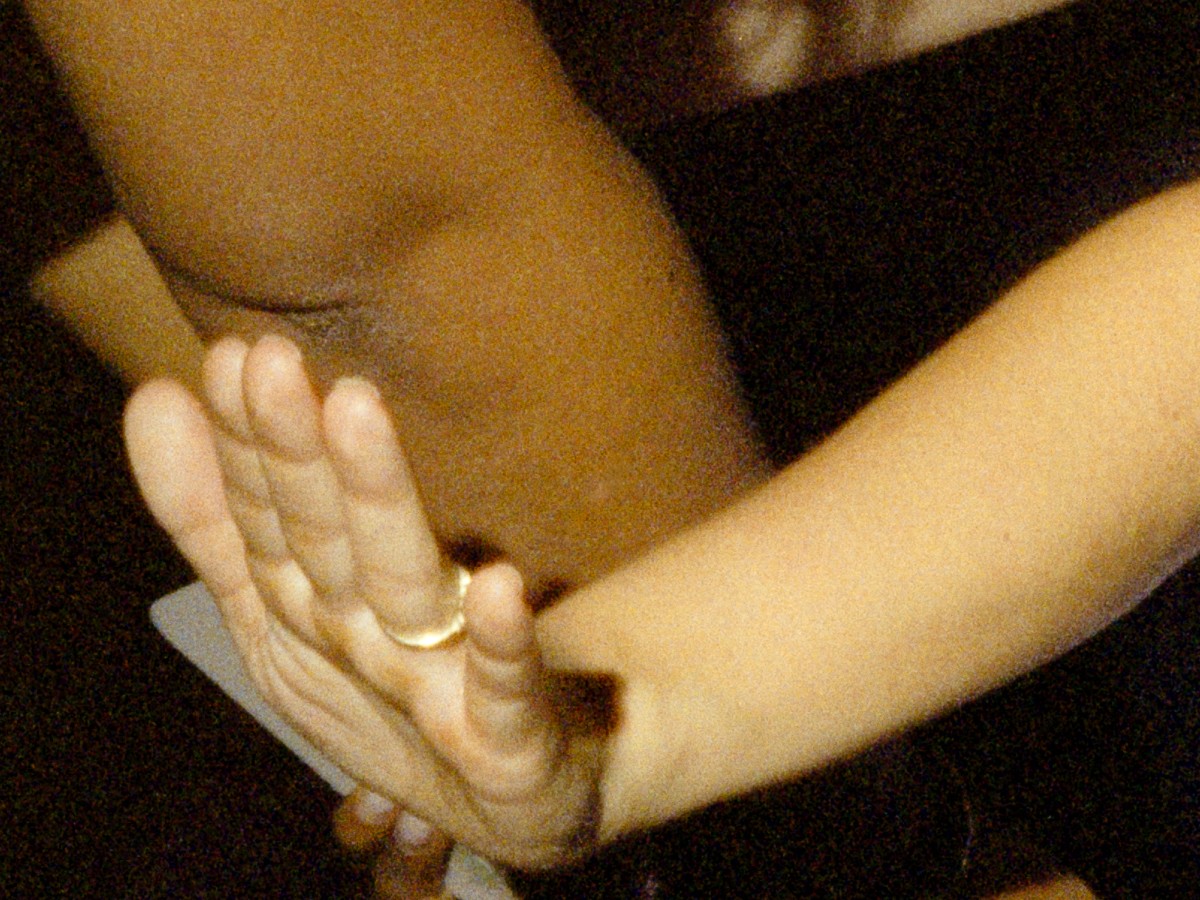
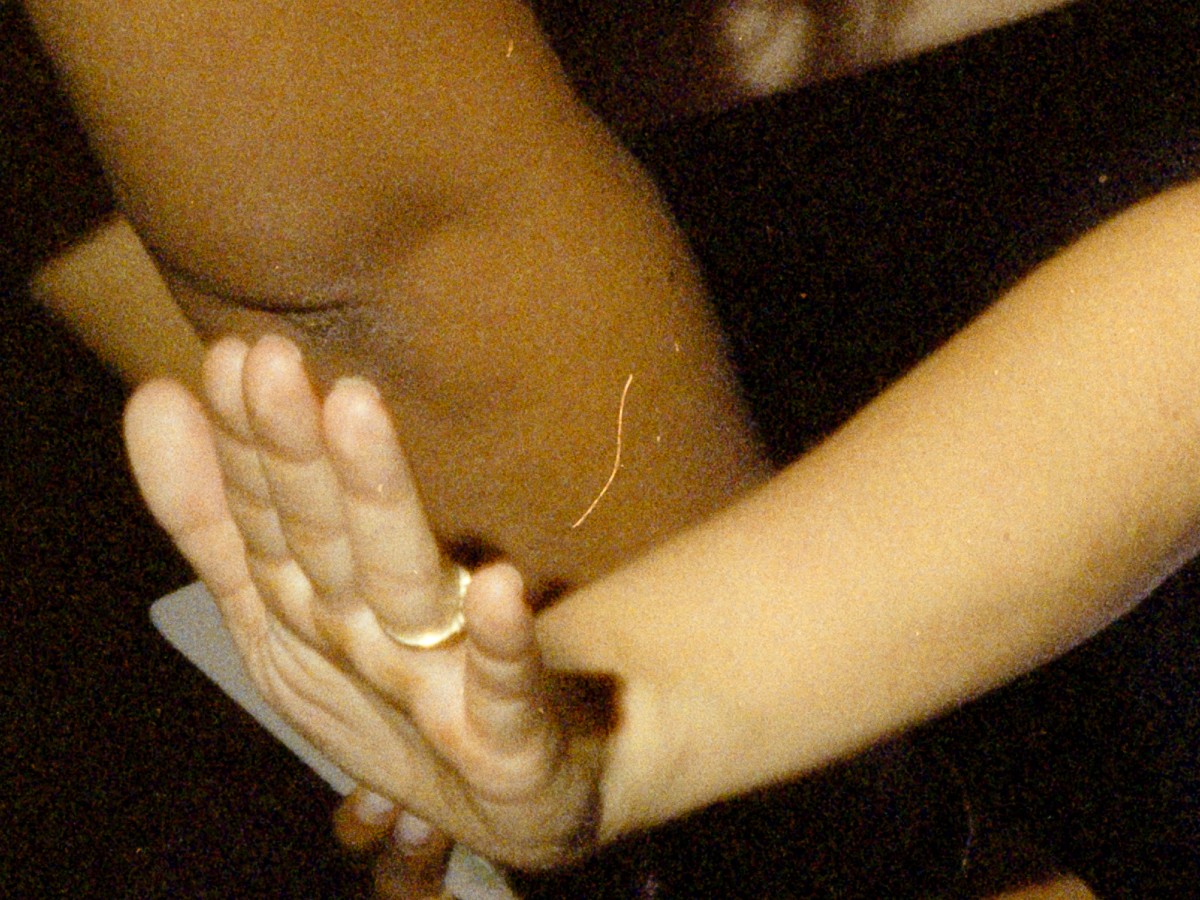
A long hair and the specks on skin gone. The ring and the skin’s own texture were left alone.
What it means if you’re getting married
Nothing changes about how we shoot. Same cameras, same Kodak, same lab, same slow and careful scanning. The difference is that the hours we used to spend spotting dust now go back into the pictures themselves, and every frame still gets a look from us before it goes into your gallery. If you’d like your wedding on film, have a read of our film wedding photographer page, or get in touch.
If you scan film at home
Chamois is made by ANOMALY, our software side, for anyone doing their own film scanning at home with a camera or a flatbed. It’s free for 7 days, then $59 USD once. No subscription. Join the waitlist for Chamois and you’ll hear the moment it’s out. If you’re putting a camera scanning setup together, we’ve also written up the best DSLR film scanning plugins and tools for Lightroom.
Give flecks the flick.


